
Wordpress Post View Counter
Updated · MoxKit 1.4.4 · Download free on WordPress.org
The WordPress post view counter in MoxKit counts how often each post is opened, so the Popular Posts widget can rank posts by "Most viewed". It is off until you switch it on.
- Extension Post View Counter
- Where MoxKit > Extensions
- Switch MoxKit > Extensions
- Price Free
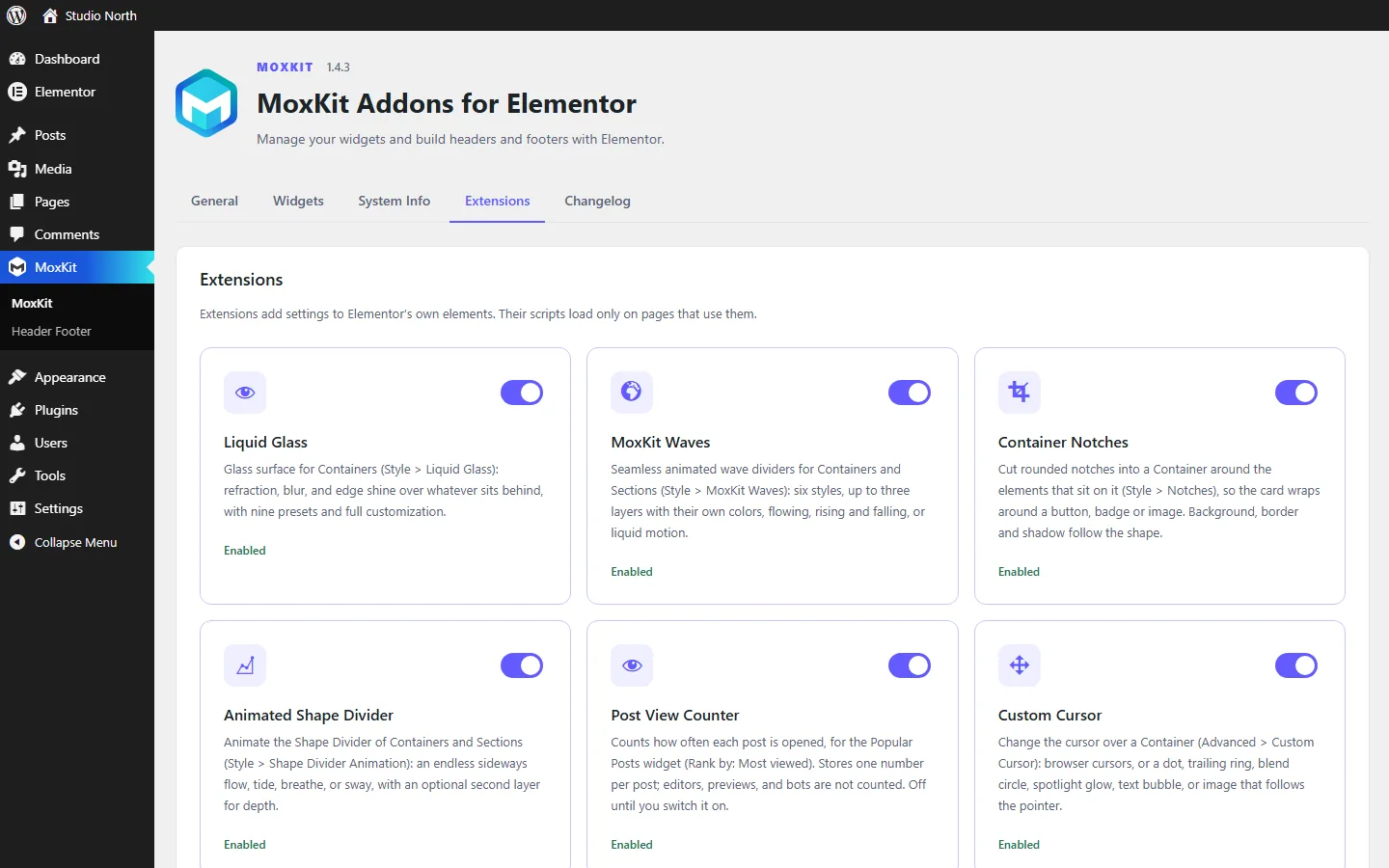
Table of contents
What does Post View Counter do?
It stores one number per post and nothing about visitors. People who can edit the post, previews, link prefetches and bots are not counted.
Post View Counter is an extension: it adds settings to Elementor's own elements instead of adding a new widget. Turn it on or off for the whole site under MoxKit > Extensions.
Features
- One number per post (custom field
_moxkit_views). - No visitor data, no cookies.
- Skips editors, previews, prefetches and bots.
- Removed on uninstall together with the MoxKit settings.
How to use the WordPress post view counter
- Go to MoxKit > Extensions.
- Switch on Post View Counter and save.
- In the Popular Posts widget set Rank by to Most viewed and Views from to MoxKit.
- Click Update to save the page.
How the counter works
When a visitor opens a single post, MoxKit adds one to that post's view count. It skips requests from people who can edit the post, previews, the Elementor editor, feeds, link prefetches and known bots. The count is stored in the post's custom field _moxkit_views, so it can also be used by other tools.
Using the counts in Popular Posts
In the Popular Posts widget, set Rank by to Most viewed and Views from to MoxKit. The widget can also show the view count next to each post under Details. Posts that have no views yet are ranked by comments and then by date.
Privacy
The counter does not store IP addresses, user agents, dates or any other information about visitors, and it does not set cookies, so it does not add anything to your cookie banner. It only increases a single number on the post. Because nothing personal is stored, there is nothing to export or erase for a privacy request.
Checking or resetting a count
Each post keeps its count in the custom field _moxkit_views. Because the name starts with an underscore, WordPress hides it from the Custom Fields box, so the easiest way to see the numbers is the Popular Posts widget with Views turned on under Details. To start a post from zero, delete the field, for example with WP-CLI: wp post meta delete 123 _moxkit_views. To keep the counts of another view counter plugin instead, point Popular Posts at that plugin’s field with Views from: Custom field.
Tips
- Pages served from a full-page cache never reach WordPress, so they are not counted. In that case use a caching-aware view counter plugin and enter its custom field in the widget.
- Until posts have views, Popular Posts ranks them by comments and then by date.
Summary
The WordPress post view counter comes free with MoxKit Addons for Elementor. Switch it on under MoxKit > Extensions, open MoxKit > Extensions and pick the options described above. It works with the free version of Elementor.
Post View Counter FAQ
Is it GDPR friendly?
It stores only a number per post and no personal data about visitors, and it sets no cookies.
Can I use another view counter?
Yes. Set Views from to Custom field and type the field name, for example post_views_count.
Why are my own visits not counted?
People who can edit the post are skipped so that writing and checking a post does not inflate its count. Log out or use a private window to test.
What happens to the counts when I delete MoxKit?
Deleting the plugin removes the view counts together with the other MoxKit settings. Deactivating keeps them.
Does it work with page caching?
Pages served from a full-page cache never reach WordPress, so those visits are not counted. Use a caching-aware counter plugin and enter its custom field in Popular Posts.