
6 Free Elementor Extensions in MoxKit
Updated · MoxKit 1.4.4 · Download free on WordPress.org
MoxKit adds 6 free Elementor extensions. They add new options to Elementor's own Containers and Sections, such as a liquid glass surface, animated waves, rounded notches and custom cursors.
Table of contents
All MoxKit Elementor extensions
 Liquid GlassContainer > Style > Liquid Glass
 MoxKit WavesContainer or Section > Style > MoxKit Waves
 Container NotchesContainer > Style > Notches
 Animated Shape DividerContainer or Section > Style > Shape Divider Animation
 Custom CursorContainer > Advanced > Custom CursorPost View CounterMoxKit > Extensions
What each Elementor extension does
Liquid Glass
Liquid Glass adds an Elementor glassmorphism effect to any Container. Instead of a plain blur, the backdrop behind the Container is refracted through an SVG lens with a bezel and an edge shine, like Apple's Liquid Glass. In Safari and Firefox, which do not support the lens, it falls back to a clean frosted glass. Read the Liquid Glass guide.
MoxKit Waves
MoxKit Waves adds an Elementor animated wave divider to the top, bottom or both edges of a Container or Section. The waves are drawn so they repeat exactly, so the loop never jumps. Read the MoxKit Waves guide.
Container Notches
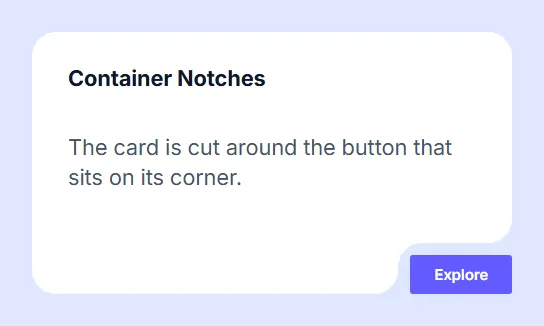
Container Notches creates the popular Elementor container notch design: the card is cut out around an element that sits on it, such as a button in a corner or a badge on the top edge. The background, border and shadow follow the new shape, and the element inside the notch is never clipped. Read the Container Notches guide.
Animated Shape Divider
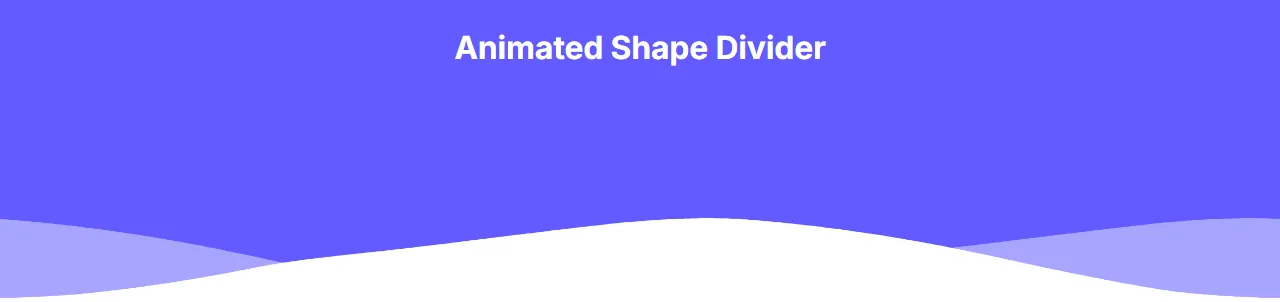
The Elementor animated shape divider extension animates the Shape Divider that Elementor already has on Containers and Sections. Pick a shape under Style > Shape Divider as usual, then choose how it moves. Read the Animated Shape Divider guide.
Custom Cursor
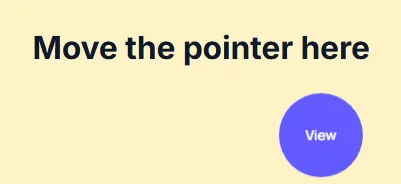
Custom Cursor changes the pointer while it is over a Container. Choose one of the browser's own cursors, or an Elementor custom cursor element that follows the pointer: a dot, a ring, an outline ring, a blend circle, a spotlight glow, a text bubble (such as "View" or "Drag") or your own image. Read the Custom Cursor guide.
Post View Counter
The WordPress post view counter in MoxKit counts how often each post is opened, so the Popular Posts widget can rank posts by "Most viewed". It is off until you switch it on. Read the Post View Counter guide.
Why use Elementor extensions instead of widgets?
Effects such as glass, waves or a custom cursor belong to a whole section, not to one element. As extensions they sit on the Container you already use for layout, so you keep its padding, background and responsive settings, and you do not need extra wrapper widgets. Each extension adds one section of settings to the Container, loads its small script only when a page uses it, and can be switched off for the whole site.
Extensions work with Elementor's Container element; MoxKit Waves and the Animated Shape Divider also work on classic Sections.
Enable or disable extensions
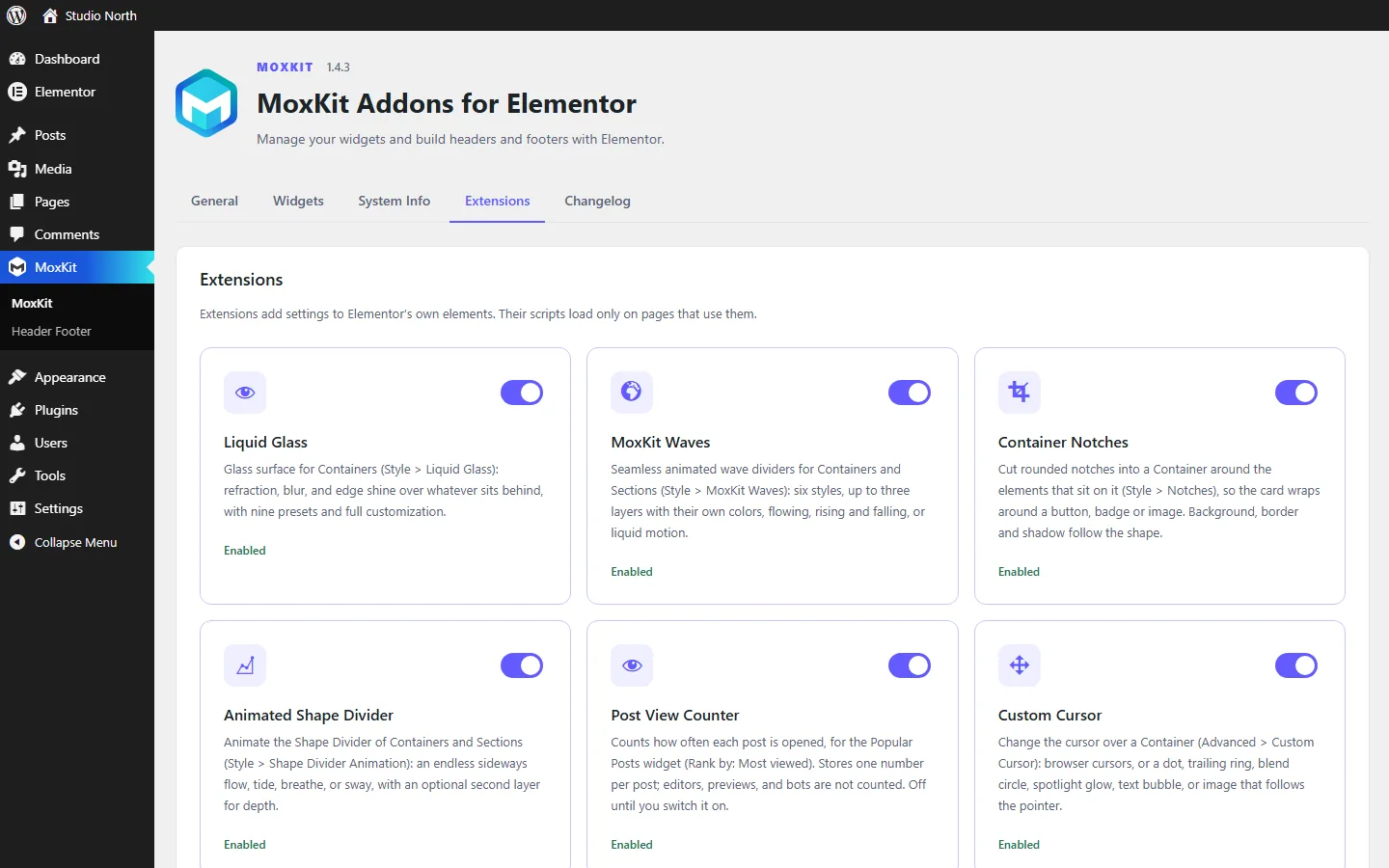
Go to MoxKit > Extensions and use the switches. The Post View Counter is off by default; the others are on.
Elementor extensions FAQ
What is the difference between a widget and an extension?
A widget is something you drag onto the page. An extension adds new settings to Elementor's existing Containers and Sections.
Do extensions load on every page?
No. Their scripts load only on pages that use them.
Do I need Elementor Pro for the extensions?
No. All six extensions work with the free version of Elementor 3.25 or newer.
Can I combine extensions on one Container?
Yes. For example a Container can have Liquid Glass and a Custom Cursor at the same time, or MoxKit Waves at the bottom and an animated shape divider at the top.